Select time range
Properties
Time range selection in dashboard visualization is a crucial feature for analyzing and interpreting data over specific periods. It provides users with the flexibility to customize the temporal scope of the displayed information, enabling a more detailed and context-specific analysis.
Key aspects and benefits of time range selection in dashboard visualization include:
Granularity Control: Users can adjust the time granularity, such as choosing between daily, weekly, monthly, or custom intervals. This helps in gaining insights at different levels of detail.Historical Analysis: The feature allows users to explore historical trends and patterns by selecting a start and end date. This is particularly valuable for understanding how data has evolved over time.Customization: Users can customize the time range based on their specific needs. This ensures that the displayed information aligns with the questions or objectives they have in mind.Dynamic Dashboards: The ability to dynamically change the time range ensures that dashboards remain relevant and adaptable to evolving data requirements. This is especially important in dynamic and fast-changing environments.
In summary, time range selection in dashboard visualization enhances the analytical capabilities of users by providing them with the tools to explore, analyze, and derive insights from data over specific time intervals. It supports a more nuanced understanding of trends, patterns, and variations, contributing to informed decision-making processes.
Usage
The PulseOps BI allows the user to select a predefined time range (Today/Yesterday/Last week/Last 30Days and many other options) or a custom ones.
During the creation of you dashboard, you always have access to the time range window (located at the top right, next to the user profile).
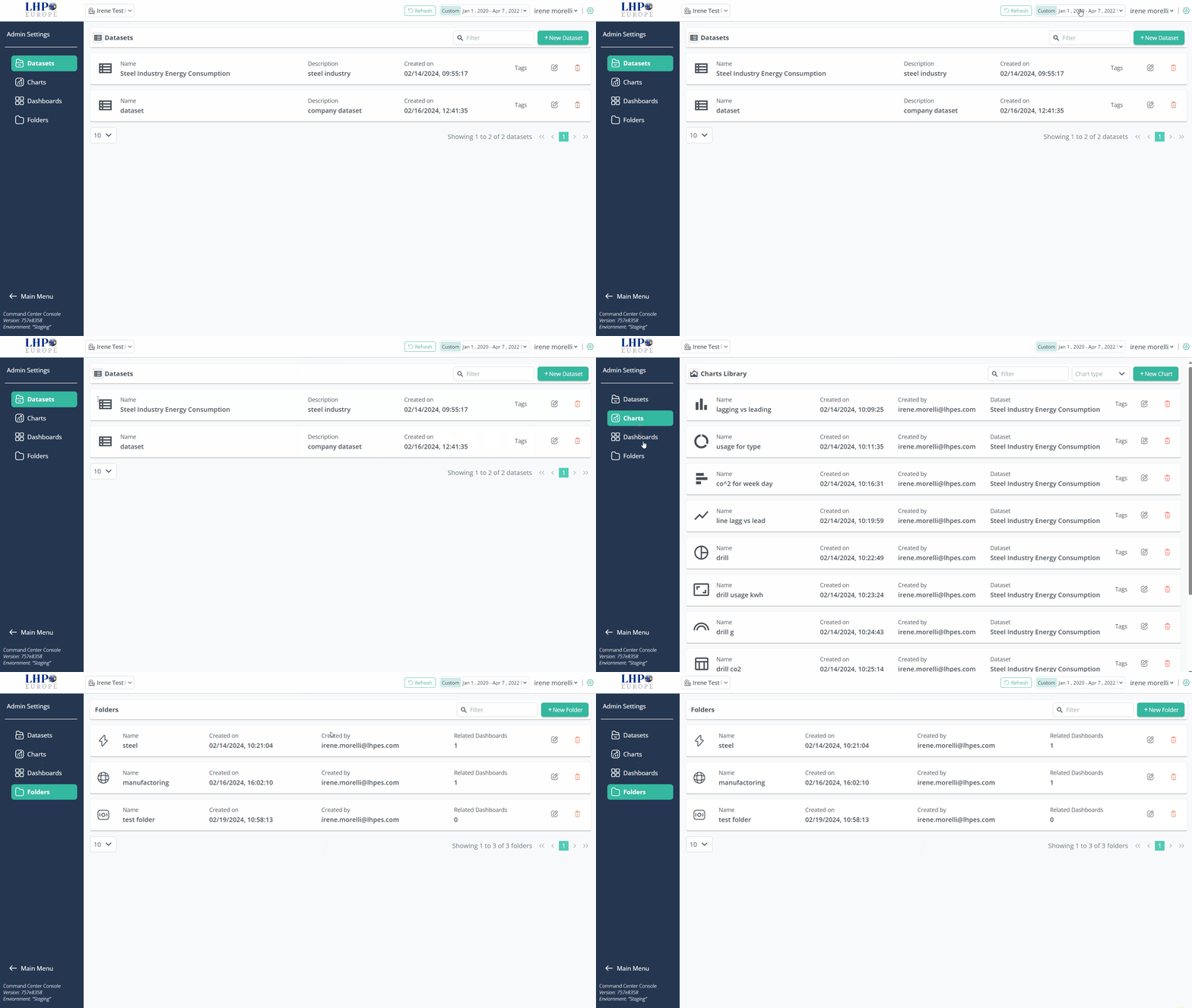
Learn how to visualize Dashboards and charts selecting the time range at various steps: