KPI Charts types
KPI Charts provide a clear view of key performance indicators, helping users evaluate performance, track progress toward targets, and identify changes over a selected period. Each chart type is designed for a specific purpose and works best with certain types of KPI data.
Within PulseOps BI, users can use several types of KPI Charts to present and analyze performance data:
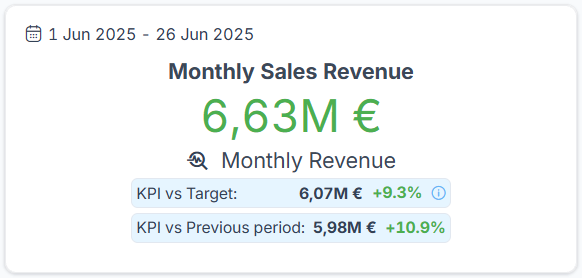
KPI Card
To displays a key metric and provides a quick overview of its current value, including comparisons with a target or a previous period.
KPI Vertical Bar
To compare KPI values across different categories or time periods, making differences and performance variations easy to identify. 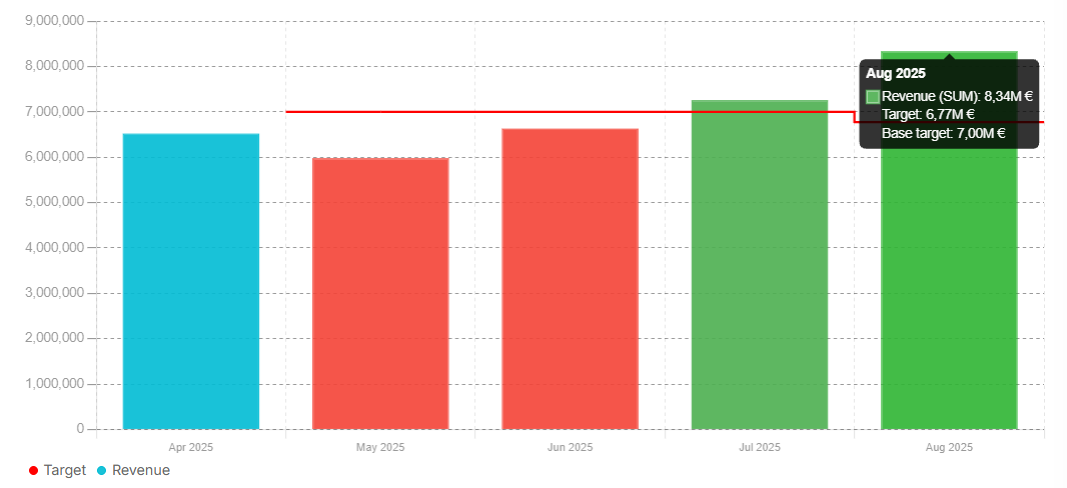
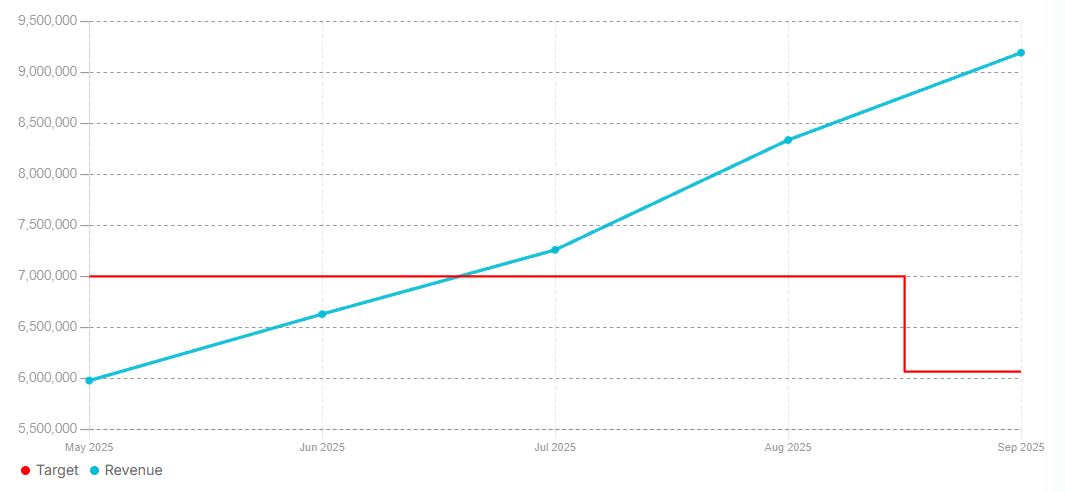
KPI Line
To visualize how a KPI changes over time, making it useful for identifying trends, fluctuations, and patterns.
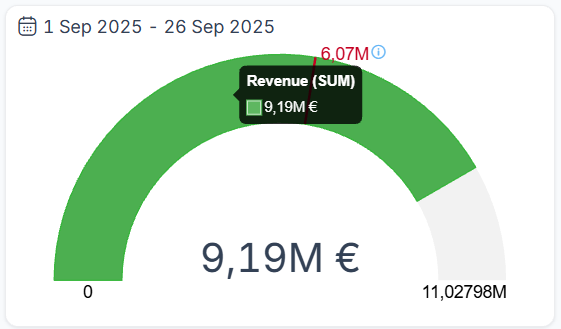
KPI Gauge
Shows the current KPI value in relation to a defined target or threshold, providing a quick visual indication of performance.
Use the chart type that best matches the KPI data and the type of comparison or analysis you want to perform.